- Ensure that Care appropriately verified the member's identity
- Open the member's account in the Care App
- Remove payment, uncheck both SMS boxes, place all plans on-demand, and confirm there are no side-effect messages from the RN in Care Center.
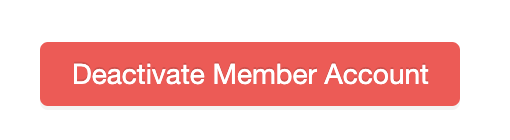
- In the member's Personal Info tab, click Deactivate Member Account
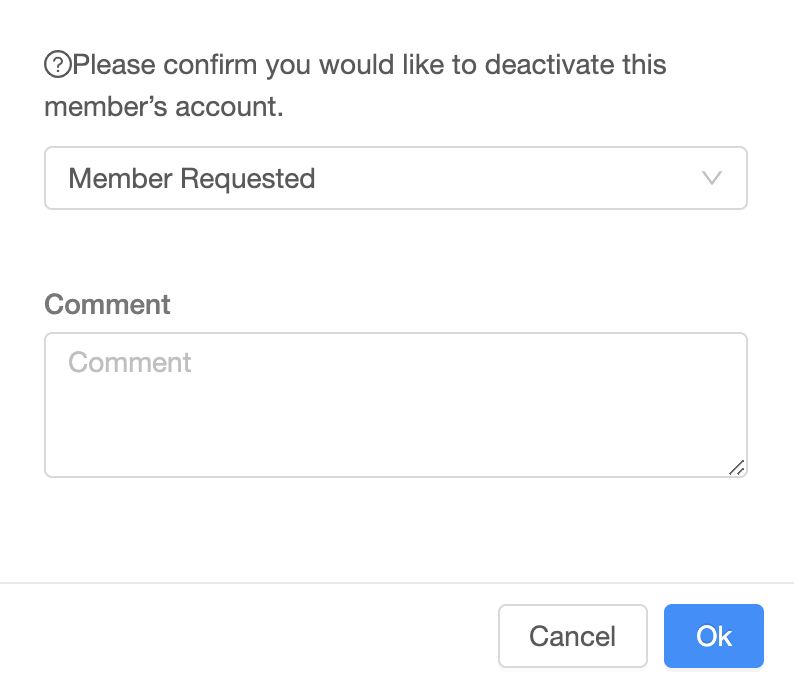
- Select the appropriate reason for deactivating the member's account. Add the ZD Ticket link as a comment in the deactivation request
- Send the deactivation macro to the member via Email
Was this article helpful?
1 out of 1 found this helpful
Comments
Please sign in to leave a comment.